Apollo Domain Filesystem Browser
The source for this filesystem reader can be found on Github here.
When I received my HP 9000/400, the hard disk was preloaded with Apollo/Domain SR10.4 from its previous production life. At the time, I imaged the disk and then immediately put HP-UX on it instead, figuring I’d have limited interest in working with Apollo/Domain as I lacked the required Apollo keyboard for the system.
Over the last few months, I became curious about what this system had been used for in its previous life as it was purchased off of a reseller in the greater Los Angeles area. With the disk image in hand, I looked into whether it would be possible to mount and read the filesystem on a modern system. Unfortunately, there were no existing filesystem drivers available for Apollo/Domain systems (surprise, surprise!).
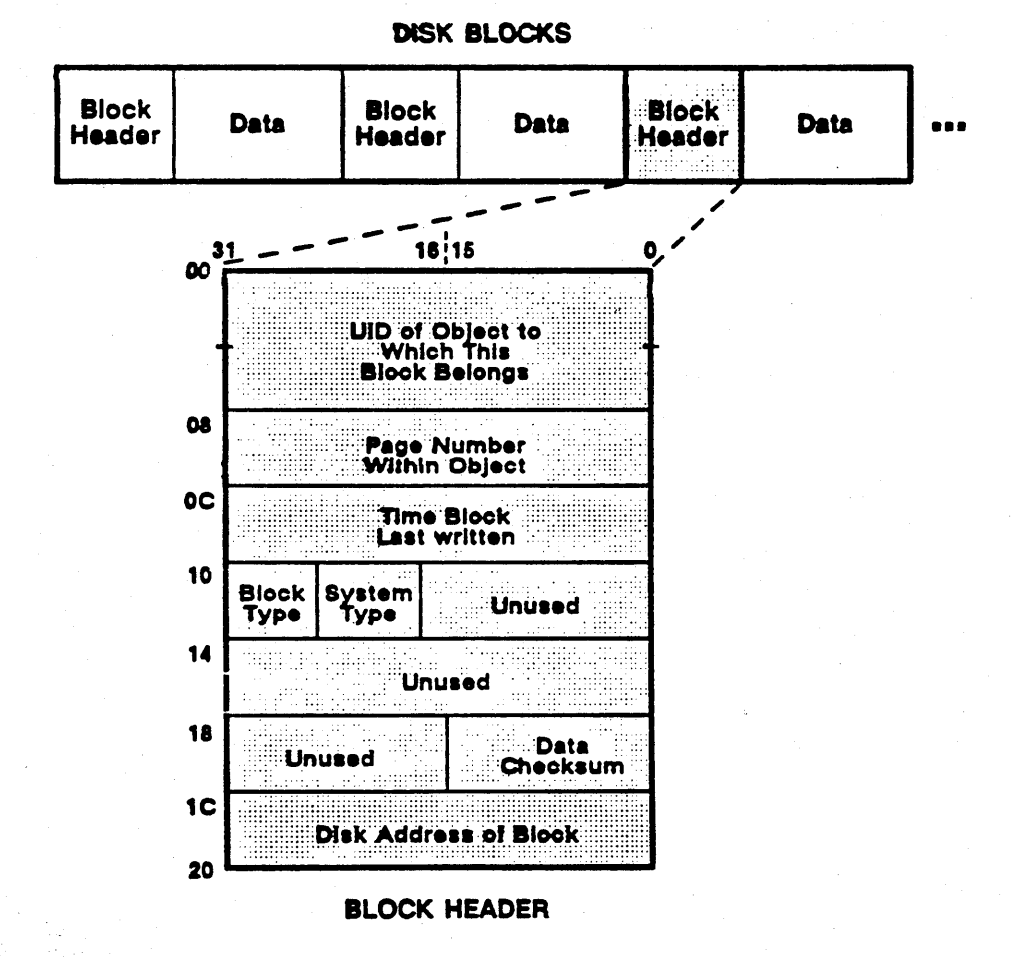
It’s been quite some time since I’ve worked with filesystems beyond a hobby context at a high level, so I wasn’t feeling up to the task of writing a full filesystem driver from scratch, especially with the guesswork it would entail for an undocumented system. However, there was a rough specification of the Apollo FS in the Aegis Internals and Data Structures, January 1986 document on bitsavers (see section “Local Object Storage System”).
I had a little time and some Claude Code credit to burn, so I threw that at the problem and with a little collaborative development was able to put together a rudimentary Apollo FS filesystem browser with an interactive shell. This works about as you would expect and you can read, traverse, and extract files from an Apollo filesystem image.
$ python apollo_fs.py apollo.img
Apollo filesystem shell — image: apollo.img
Type 'help' for commands, 'quit' to exit.

apollofs:/> ls
Directory: /
Type   Name                             UID / Target
------------------------------------------------------------------------
OBJ    bsd4.3                           [c1cb1c4a.4004ab6d]
LINK   bin                              -> $(SYSTYPE)/bin
OBJ    etc                              [c1cb1b9e.a004ab6d]
...
68 entries

apollofs:/> cd etc
apollofs:/etc> cat services
# /etc/services (DOMAIN/OS version SR10.2)
...

apollofs:/etc> cd ..
apollofs:/> find *.c /usr
apollofs:/> quit
| Command | Description |
|---|---|
help |
Show available commands and usage examples |
pwd |
Print current directory |
cd <path> |
Change directory (/ for root, // for network root, .. for parent) |
ls [path] |
List directory contents (default: current directory) |
tree [path] [depth] |
Recursive directory tree (default depth: 2) |
find <pattern> [path] |
Search by name; supports glob patterns (*, ?, []) |
stat <path> |
Show object metadata (UID, size, timestamps, parent, page map) |
cat <path> |
Print file contents to stdout |
extract <path> <out> |
Save file contents to a local file |
analyze |
Show filesystem metadata (LV label, BAT, VTOC, special objects) |
quit / exit |
Exit the shell |
This ended up being more than enough to learn what this system was originally used for and satisfy my curiosity.
View the source here.